
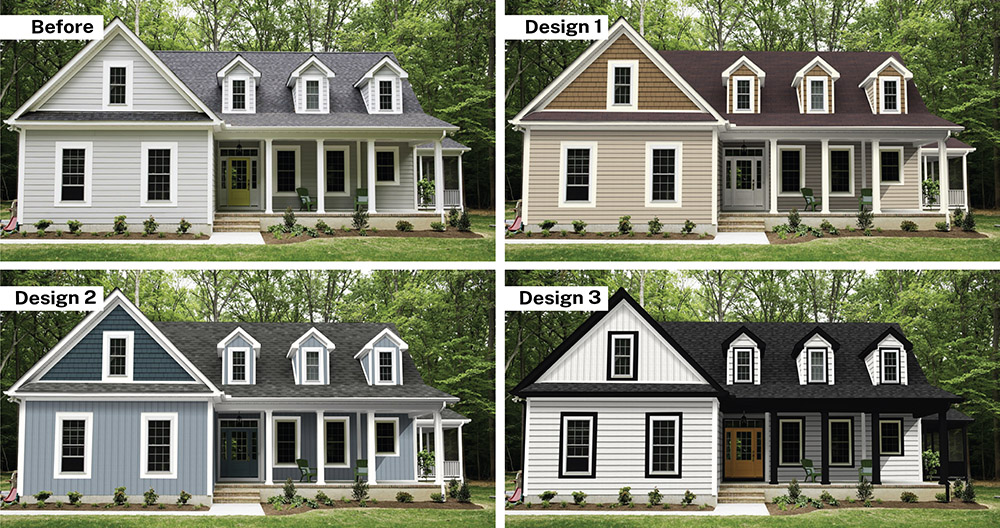
See what's possible with your home
See how our products will look on your home with our visualizer!
Instructions on how to use the visualizer:
- Step 1: Find a nice image of your home on StreetView or Zillow. If not available,take a straight on picture of the front of your home, on an overcast day, or when the sun is high in the sky.
- Step 2: Upload image into the visualizer here and wait 45 seconds while it maps out the surfaces of your home.
- Step 3: Select from the product lists and see the products and colors appear instantly on your home.
- Step 4: To ensure products and color availability for your area, and to get a professional and more customized look for your home, contact us for a Design Consultation and a non-obligatory quote!
How do I upload a photo?
This video shows how to take the best photo of your home and how to upload it to the visualizer.
From Vision to Value: Simple & Transparent Pricing
Learn more about our pricing options for Roofing, Windows, and Siding. Click below to review our prices page.